
1) Dashboard Access
Screen: Login with Email and Password.
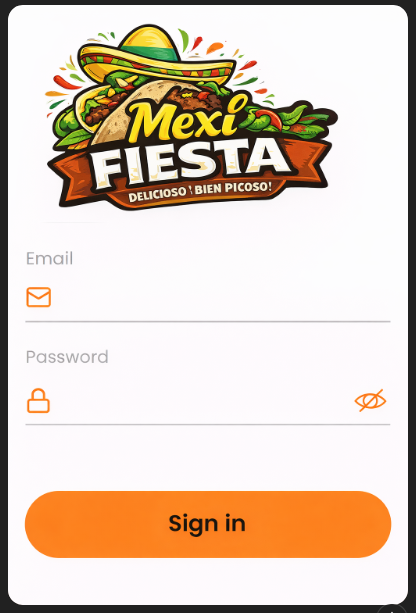
Objective
Sign in to the panel to manage the app’s content.
Steps
-
Enter your Email.
-
Enter your Password.
-
Press the access button (in the mockup it may appear as “Register”; in production it may be “Log in”).

Considerations
- If the button label changes in the final product, update the manual text accordingly.
- Ensure the user has active permissions.