
Reports (Branch Report + PDF)
Navigation
- Reports
- Report filters
- Branch summary
- Employee detail with records
- Generate report PDF
- How to interpret the PDF
Reports
Here you generate reports by branch/location with a breakdown of hours and estimated pay.
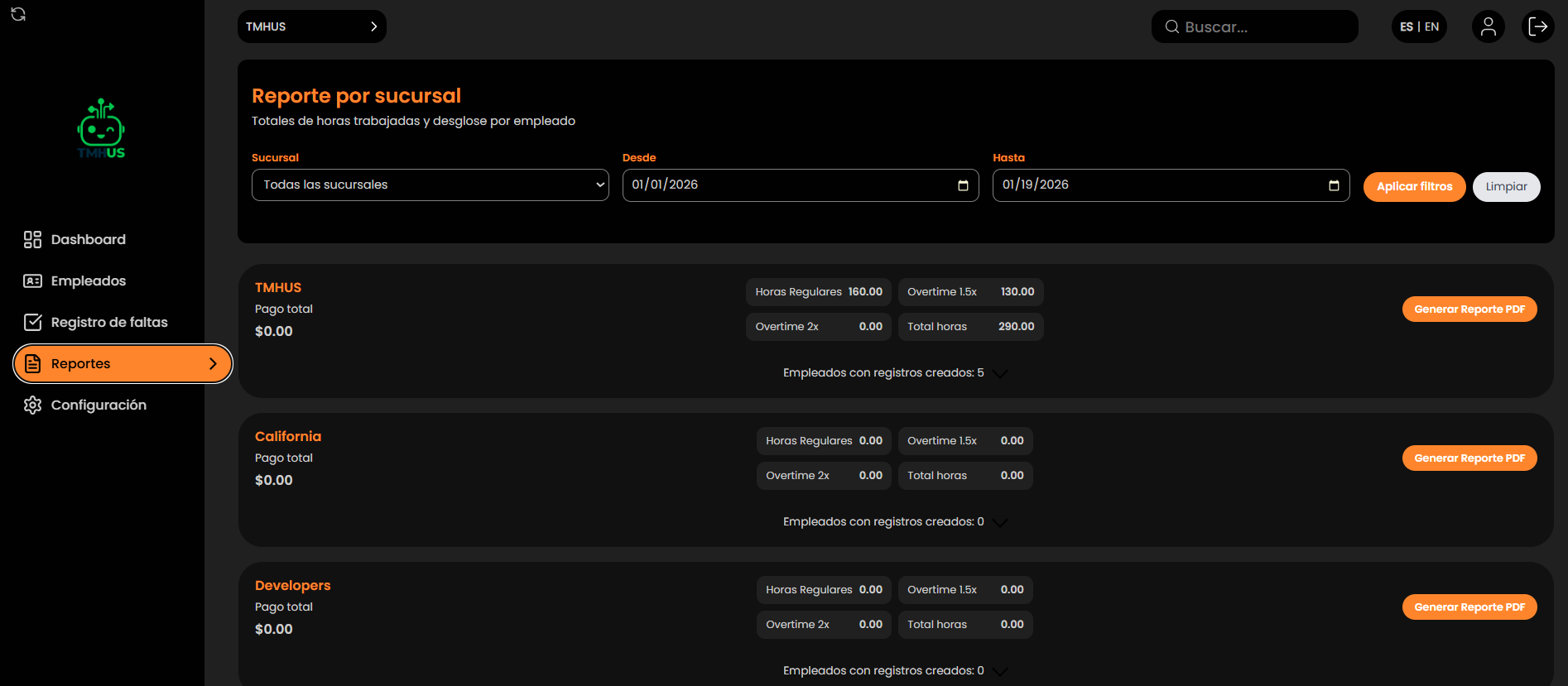
Report filters
In “Report by branch”, define:
-
Branch (dropdown; may be “All branches”)

-
From

-
To

Actions:
-
Apply filters

-
Clear (reset)

Branch summary
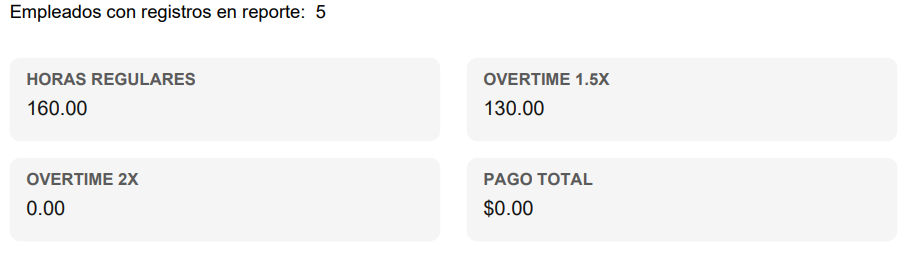
Each branch shows indicators such as:
-
Total Pay

-
Regular Hours

-
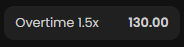
Overtime 1.5x
-
Overtime 2x

-
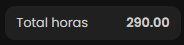
Total Hours
Generate report PDF
For each branch, use Generate PDF Report to download the report as a PDF.

How to interpret the PDF
The PDF typically includes:
-
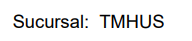
Branch
-
Date Range

-
Summary (Regular Hours, Overtime, Total Pay)
-
“Employee Detail” table with hours and estimated pay
