
9. Error Handling and Retries
Navigation
- 9. Error Handling and Retries
- 9.1 Most common errors
- 9.2 Messages and actions
- 9.3 Retry policy
- 9.4 Escalation to support
- 9.5 Preventive best practices
9. Error Handling and Retries
9.1 Most common errors (summary)
- Face not detected / poor framing
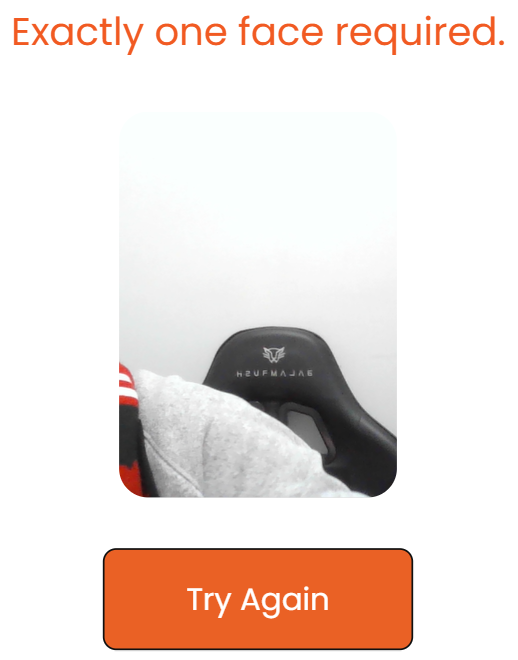


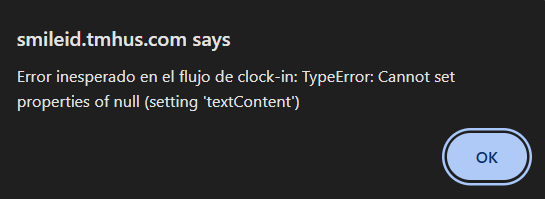
9.2 Messages and actions (quick guide)
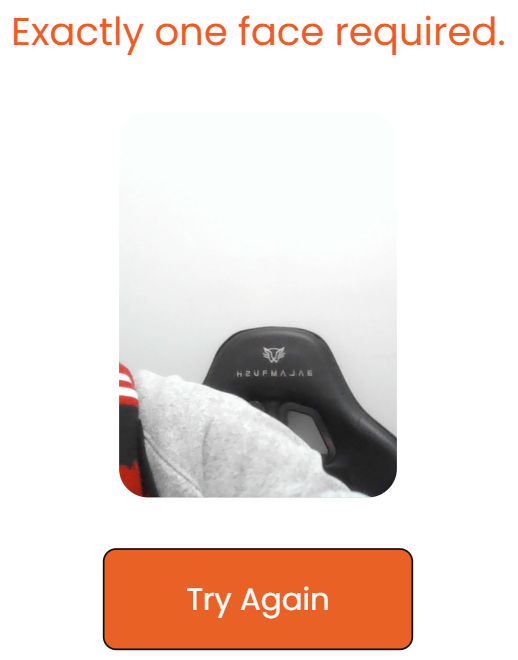
- Face not detected
- Likely cause: Distance/framing/obstruction

- Blurry image
- Likely cause: Movement or dirty lens

- Too dark / backlit
- Likely cause: Poor lighting

- No connection / timeout
- Likely cause: Weak or down Wi-Fi
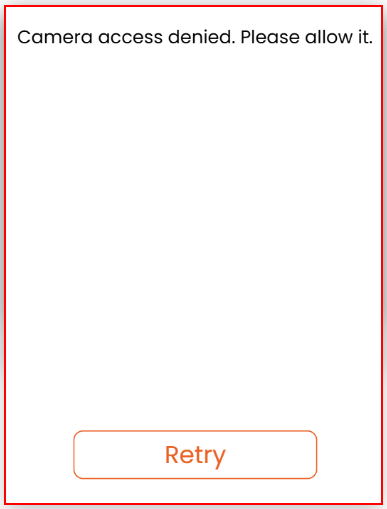
- Camera blocked
- Likely cause: Permission denied or another app using the camera
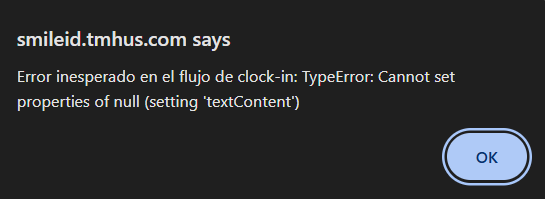
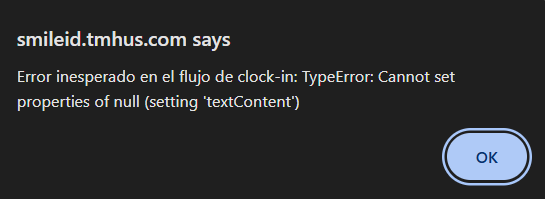
- Unexpected error
- Likely cause: Cache/browser/temporary failure
9.3 Retry policy (operational rule)
Suggested rule (adjustable):
- Up to 3 retries per event.
- Between retries, change something: lighting, framing, lens cleaning, or network.
- If not resolved: escalate to Customer Service: Tel: 682-377-8573
9.4 Escalation to support (CS)
Escalate when:
- The same error repeats across multiple users/devices.
- Retries fail under correct conditions.
- There is suspected network issue or service outage.
- The App does not load or cannot access the camera.
Attach minimum evidence (see module 8.4).
9.5 Preventive best practices
- Fixed point with good lighting.
- Tablet stand/mount (avoid vibration).
- Daily lens cleaning.
- Verify Wi-Fi at the start of the shift.
- Keep the browser updated.