12) Notifications (History)
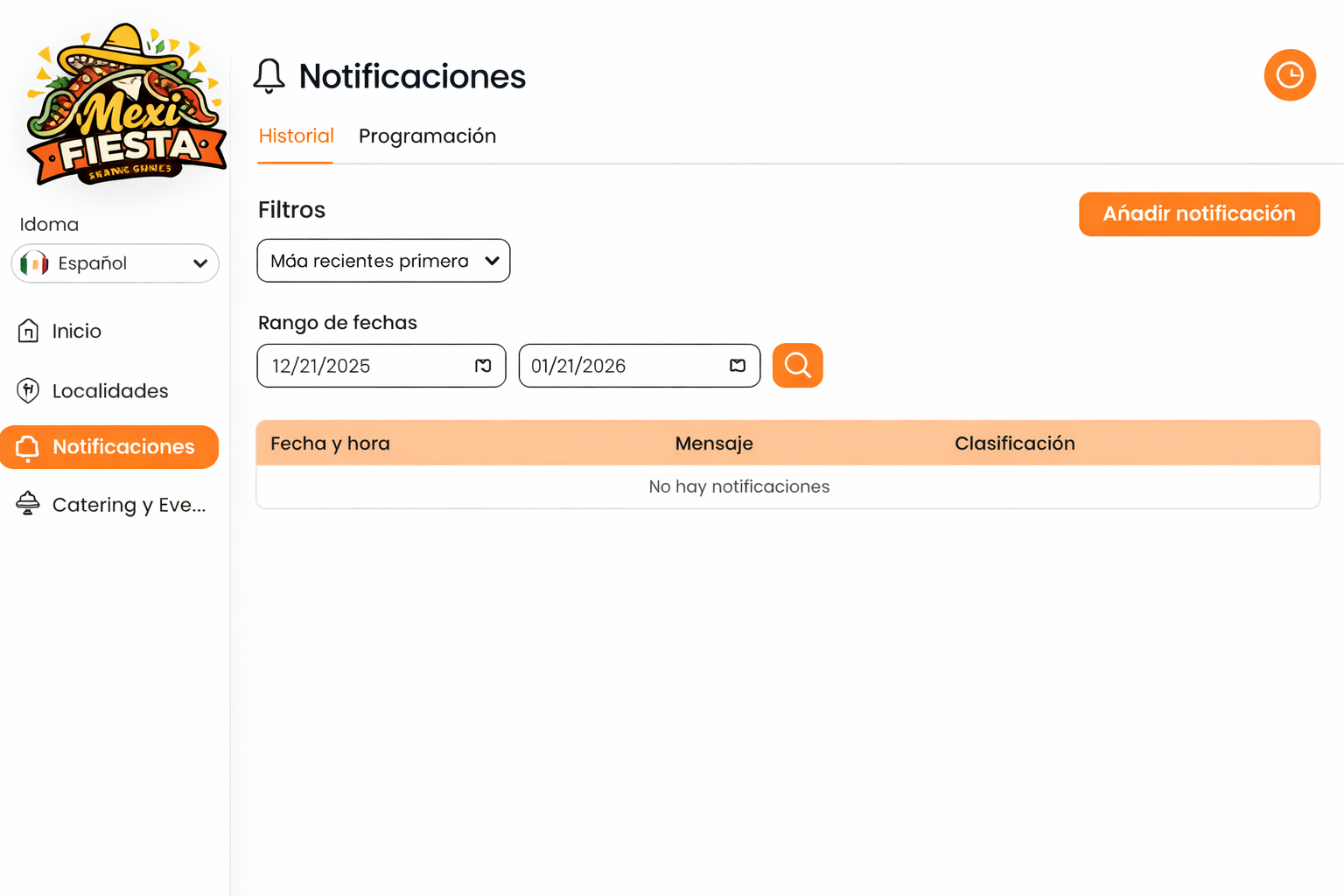
Screen: Table with filters (Status + date range), “Add notification” button, and columns: Date & time, Message, Category, Status (e.g., Delivered or Failed).
Objective
Review notifications that have already been sent and their delivery results.
Steps
-
Go to Notifications.
-
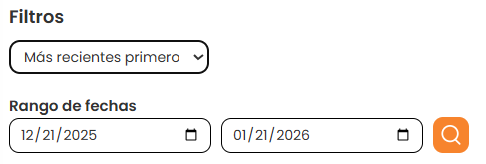
Use filters by status and dates.
-
Review the results and delivery status.