General Administrator Profile (Data, Password, and PIN)
Navigation
- General administrator
- What is the PIN?
- Edit general administrator
- Locations and registered employees table
General administrator profile
This section is used to manage the main system account and the PIN.
Typical fields:
-
Name
-
Email
-
Password (hidden)
-
PIN

-
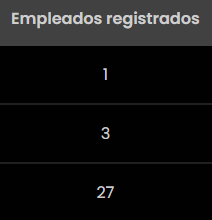
Locations table with “Registered employees”

What is the PIN?
The PIN is used to add new employees (according to the on-screen text and the operation defined internally).
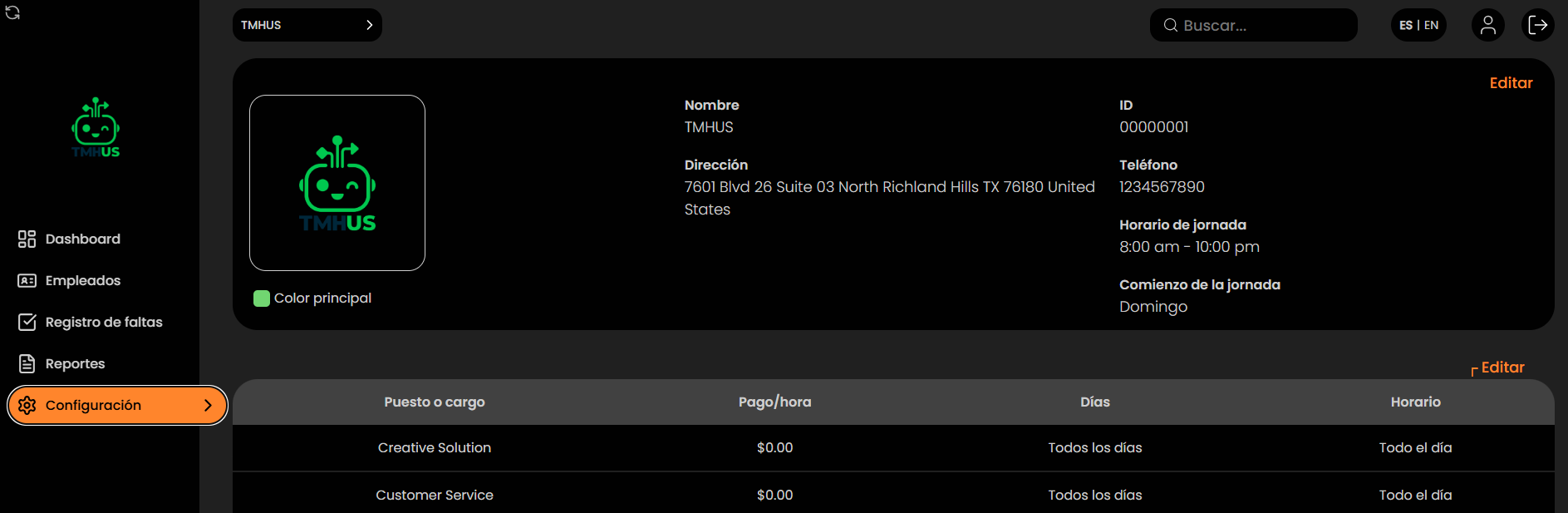
Edit general administrator
-
Click Edit.

-
You can update (based on permissions):
-
Name

-
Email

-
Password

-
PIN

-
-
Save with Save or discard changes with Cancel.
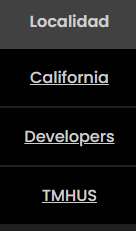
Locations and registered employees table
At the bottom, the system shows:
-
Location
-
Registered employees