
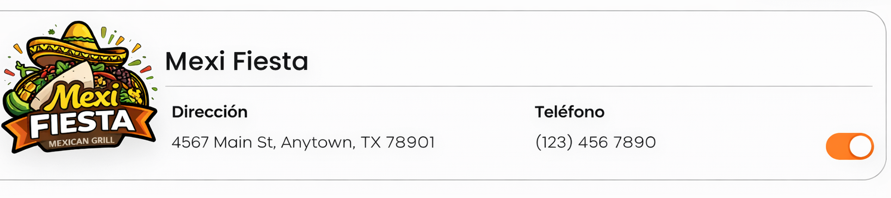
6) Locations (Hide / Delete)
Screens: Confirmation modals:
-
“Delete this location” (Delete)

-
“Hide this location” (Hide)
Objective
Remove a branch from the list or unpublish it.
Difference (recommended to document)
-
Hide: stops being shown in the app without deleting data.

-
Delete: removes the location (a permanent action).

Steps (Hide)
-
Select the location.

-
Click Hide.

-
Confirm in the modal.
Steps (Delete)
-
Select the location.

-
Click Delete.

-
Confirm in the modal.