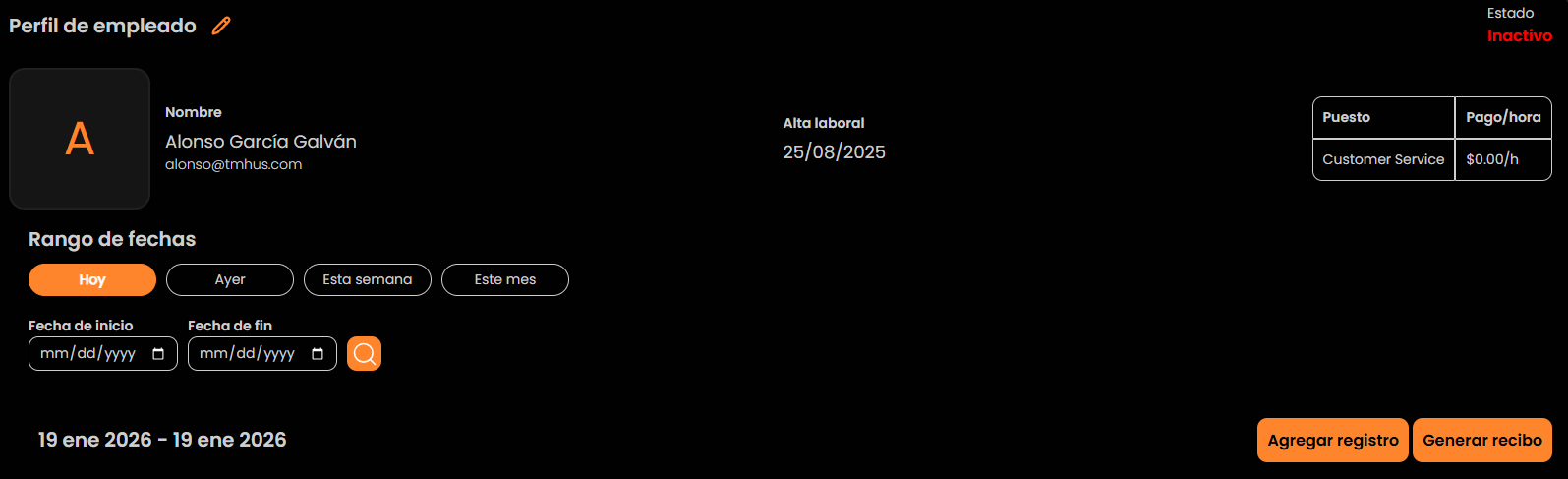
Employees (List, Filters, and Access to Details)
Navigation
Employees
Here you manage and review the employee list.
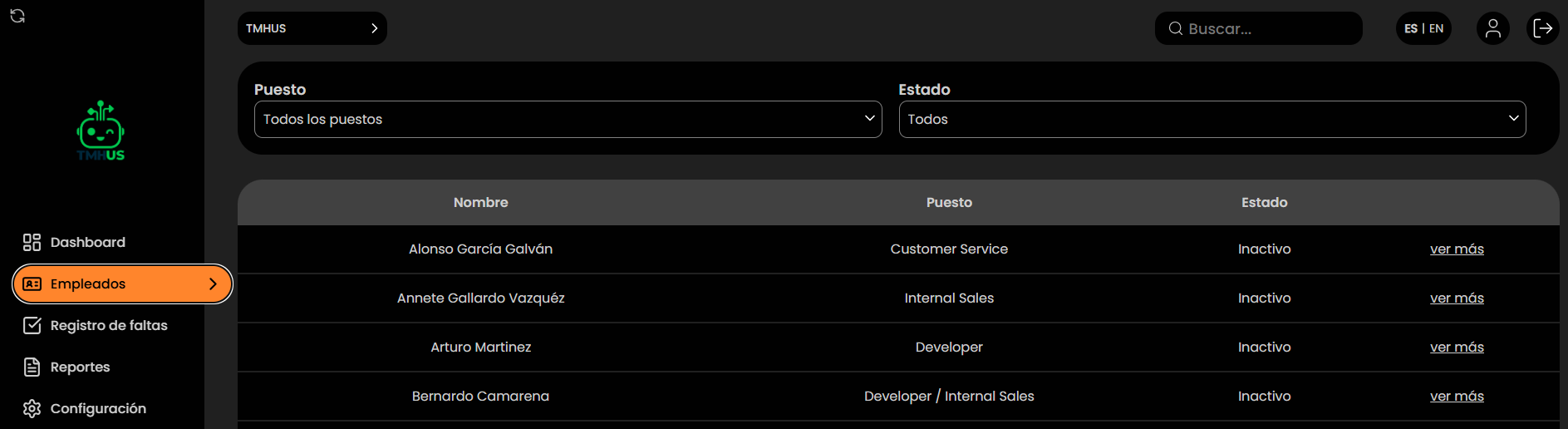
Employee list
You will see a table with typical columns:
-
Name
-
Position

-
Status

-
View more action
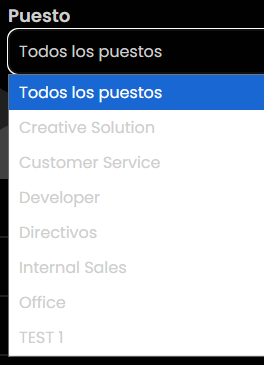
Filter by Position
In Position, you can filter by categories (e.g., Customer Service, Developer, Executives…).
- There is also the All positions option.
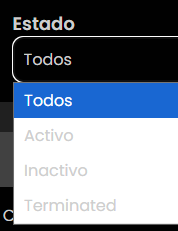
Filter by Status
In Status, you can filter by:
- All
- Active
- Inactive
- Terminated
View employee details
-
Find the employee in the list (or use Search).
-
Click View more.
-
Access the employee profile (History / Absence records).