3) Password Recovery
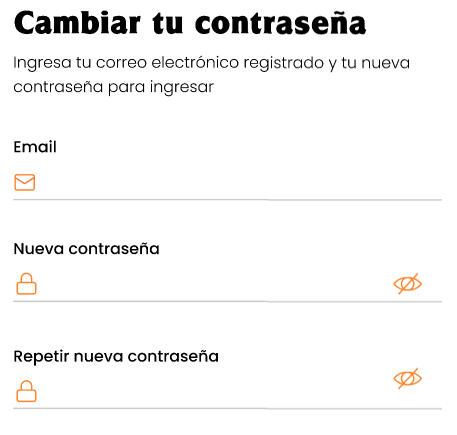
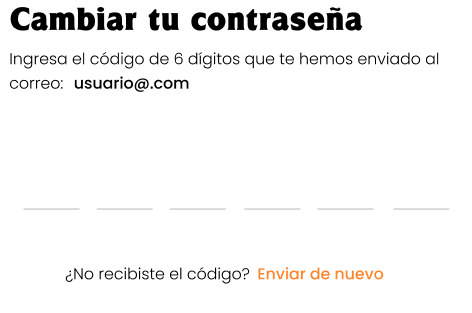
Screens: “Change your password” (email + new password) and a screen to enter a 6-digit code with a “Resend” option.
Objective
Reset your password if you forgot it.
Flow
-
From Log in, tap “Forgot my password”.

-
Enter your email and set a new password (and confirm it).
-
The app requests a 6-digit code sent to your email.
-
Enter the code and tap Confirm.

-
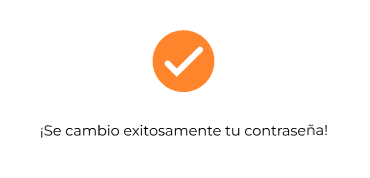
Final confirmation: “Your password was successfully changed!”