
Dashboard Introduction
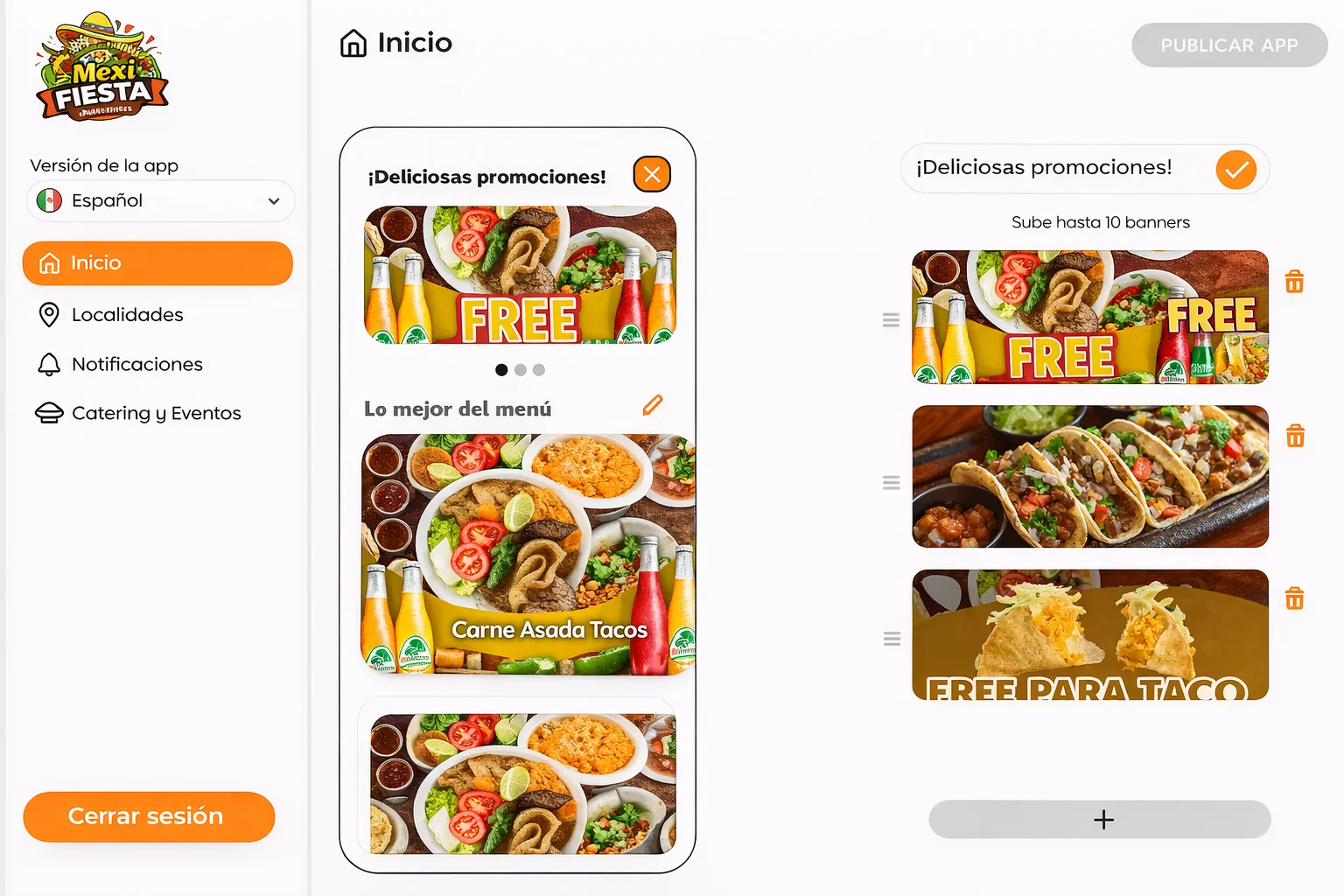
What is the My Biz App Dashboard?
The My Biz App Dashboard is a web-based administration panel that allows the business to manage and update the content displayed in the mobile application (MyBizzApp) in a centralized way.
From the dashboard, you can manage sections such as Home, Locations, Hours, Social Media, Menu, Catering & Events, and Notifications.
Manual Objective (Dashboard)
This manual aims to:
- Explain the functional use of the dashboard for internal business staff.
- Provide step-by-step guidance for content administration: editing, saving, and publishing.
- Document the main flows: login, Home editing, location management, requests, notifications, and publishing.
- Serve as a reference for training, internal support, and daily operations.
Departments Involved (Dashboard)
Typical teams that use the dashboard or rely on the information published:
- Marketing
- Promotions (Home), featured content, campaigns, and notifications.
- Operations / Branches
- Locations, address, phone numbers, hours, and availability by branch.
- Sales / Catering
- Review, follow-up, and status updates for catering and event requests.
- Customer Support / Service
- Consult published information to answer user questions.
- Administration / Management
- Oversight of communication and consistency of information.
- IT / Product
- Access management, technical configuration, panel support, and publishing.
Dashboard Scope
Includes
-
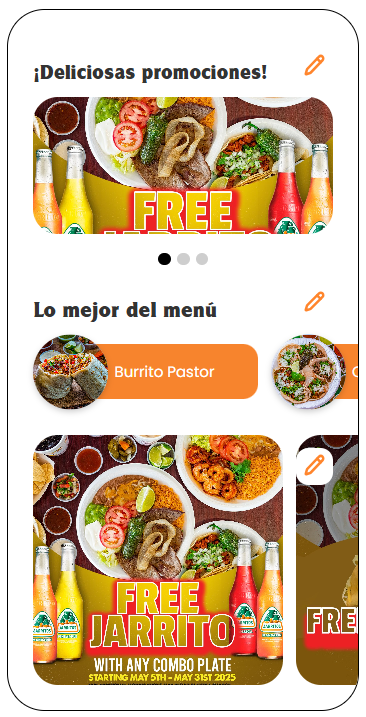
Editing Home (banners and “Best of the Menu”).
-
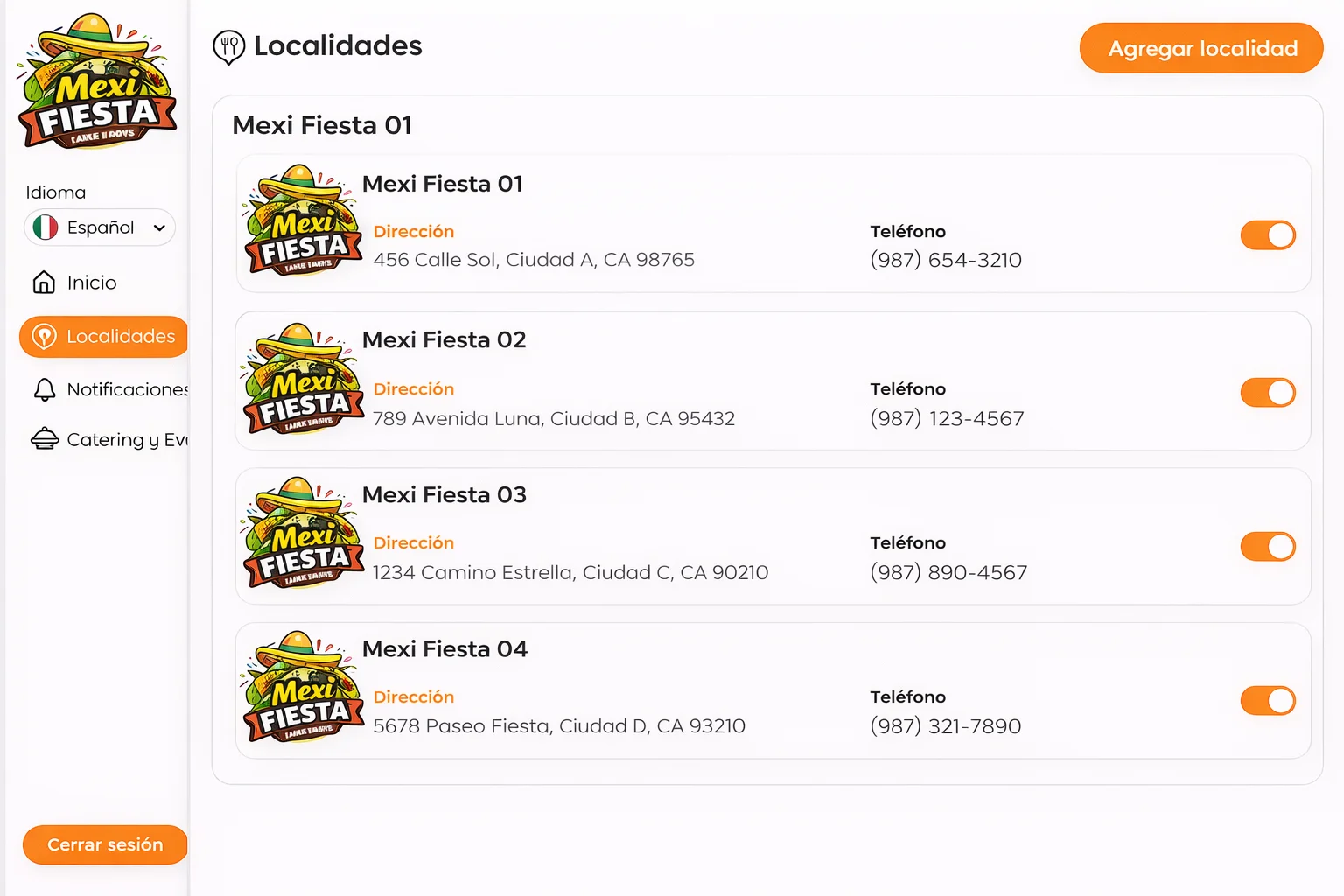
Managing Locations (create, edit, hide, delete).
-
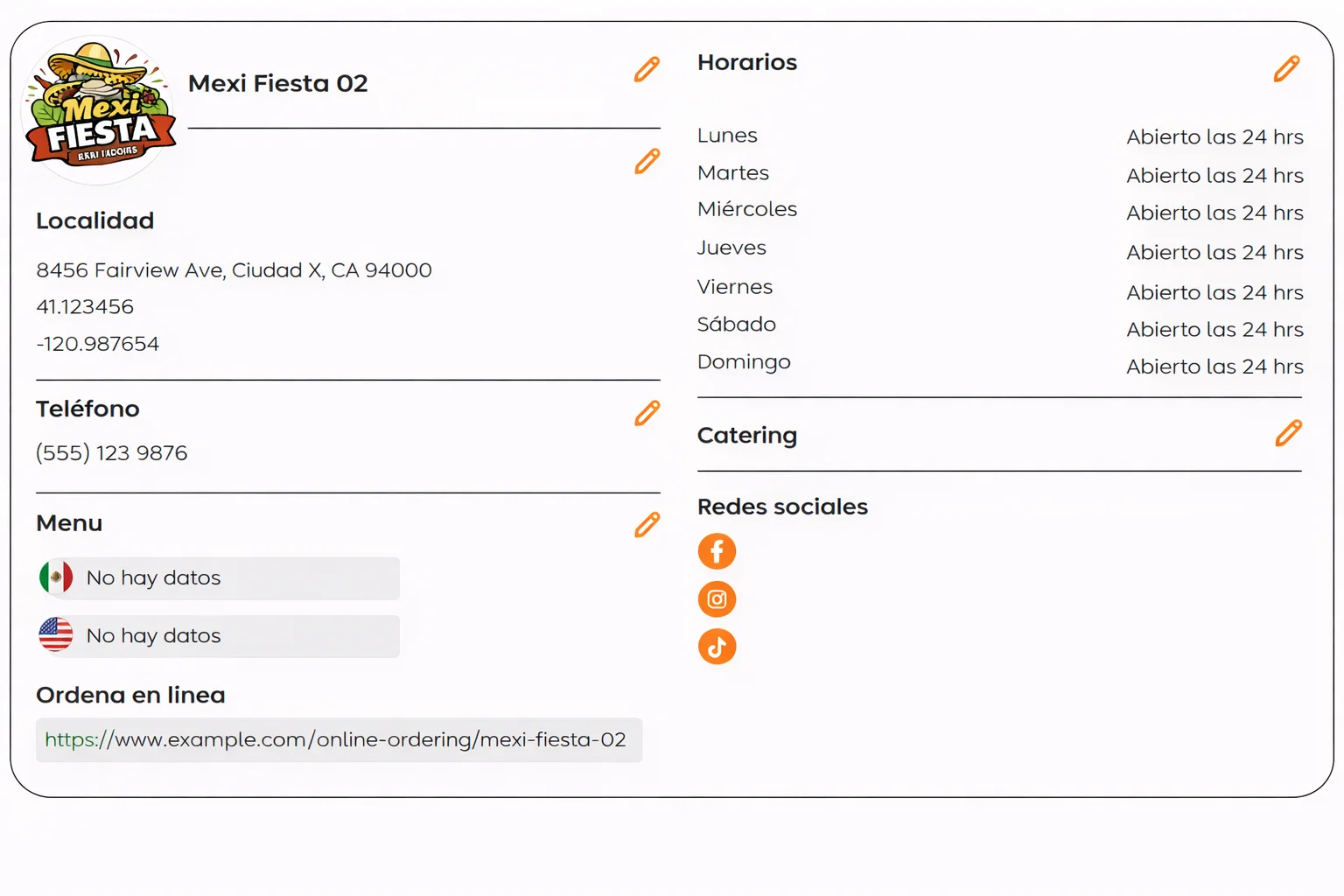
Configuring Hours per location.
-
Managing Social Media per location.
-
Configuring the Menu and the “Order Online” link.

-
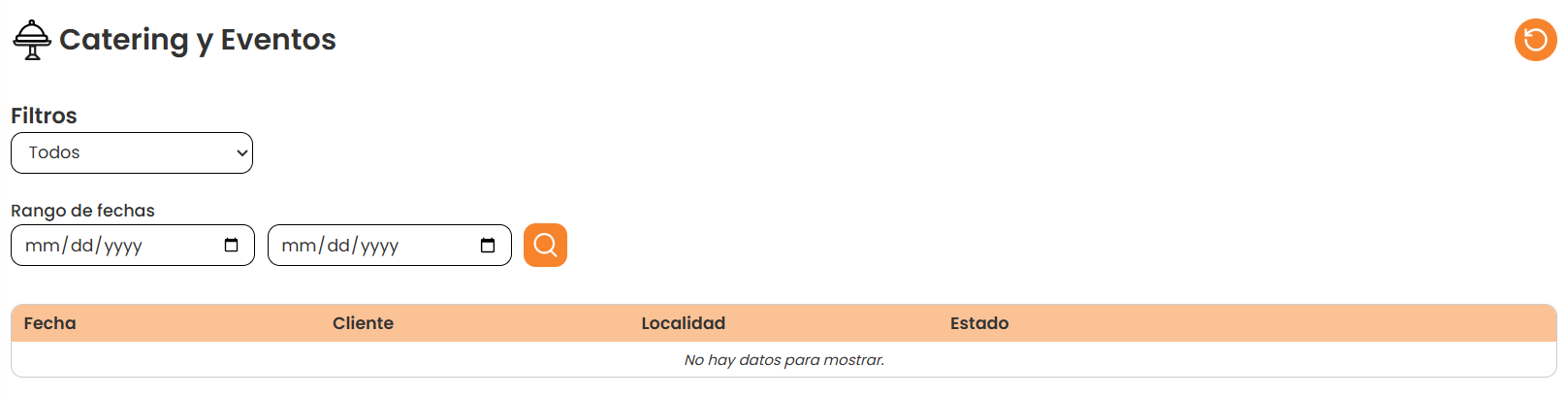
Managing Catering & Events requests (table, details, status).
-
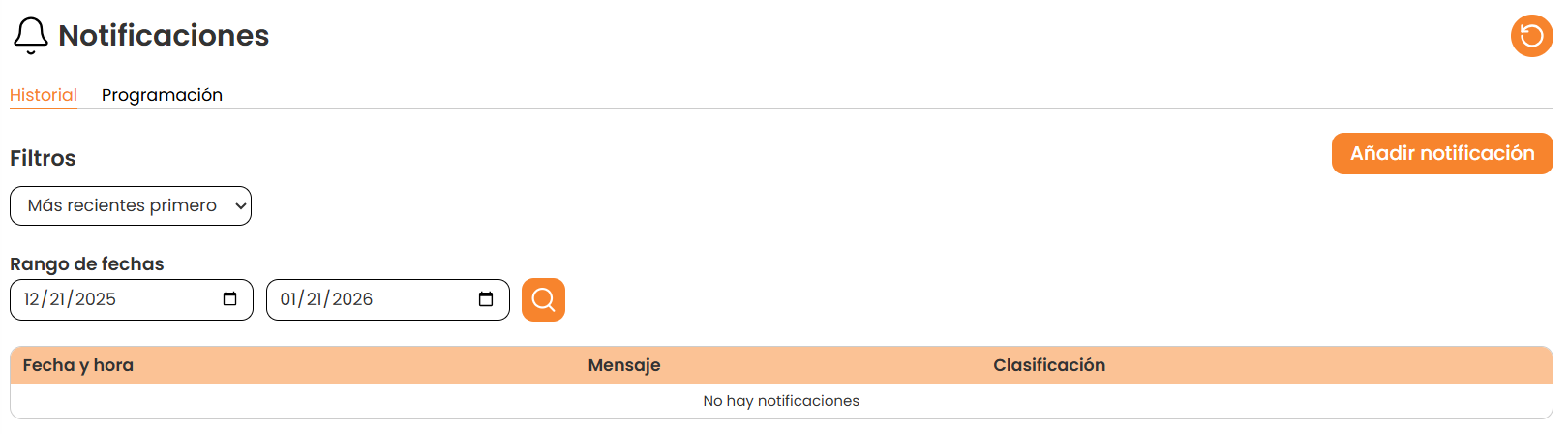
Managing Notifications (history, scheduled, creation, editing).
-
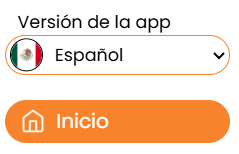
Panel language selector.
-
Publishing changes using “PUBLISH APP”.

Does Not Include
- External processes not managed through the panel (e.g., real-world catering logistics).
- External systems accessed via URL (e.g., the “Order Online” ordering platform).
- Full legal content (only operational references for dashboard use).
Prerequisites (Dashboard)
Before using the dashboard, it is recommended to have:
- Authorized access (username and password).
- An up-to-date web browser (Chrome/Edge/Safari/Firefox).
- Stable internet connection.
- Minimum business information ready to upload:
- Locations (name, address, phone, hours).
- “Order Online” URL (if applicable).
- Home assets (promotion/featured images).
- Internal ownership defined per module (who publishes what and when).