
15) Edit Notification
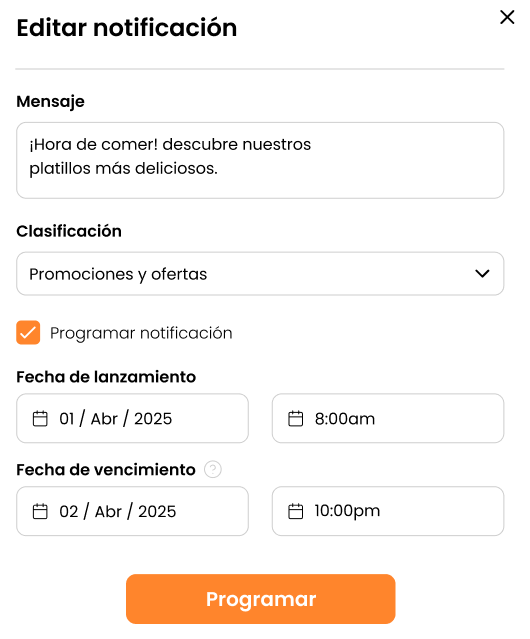
Screen: “Edit notification” with message, category, scheduling, and dates. Includes a notice about automatic deactivation by date/time.
Objective
Adjust messages and dates for scheduled notifications.
Steps
- Go to Notifications > Scheduling.
- Select the notification you want to edit.
- Update:
- ES/EN messages
- Category
- Dates/times
- Save/reschedule again depending on the interface.