
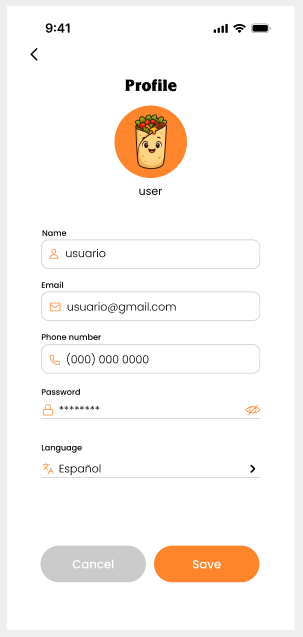
4) Language Selection
Screen: “Language / Idioma” with options Español (MX) and English (US).
Objective
Change the interface language.
Steps
-
Open the Language screen.
-
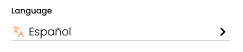
Select Español or English.
MyBizzApp, App and Dashboard Operation and Configuration Manual.
Screen: “Language / Idioma” with options Español (MX) and English (US).
Change the interface language.
Open the Language screen.
Select Español or English.