
1. Introduction
Navigation
- 1. Introduction
- 1.1 What is Smile ID?
- 1.2 Manual Objective
- 1.3 Involved Departments
- 1.4 Process Scope
1. Introduction

1.1 What is Smile ID?
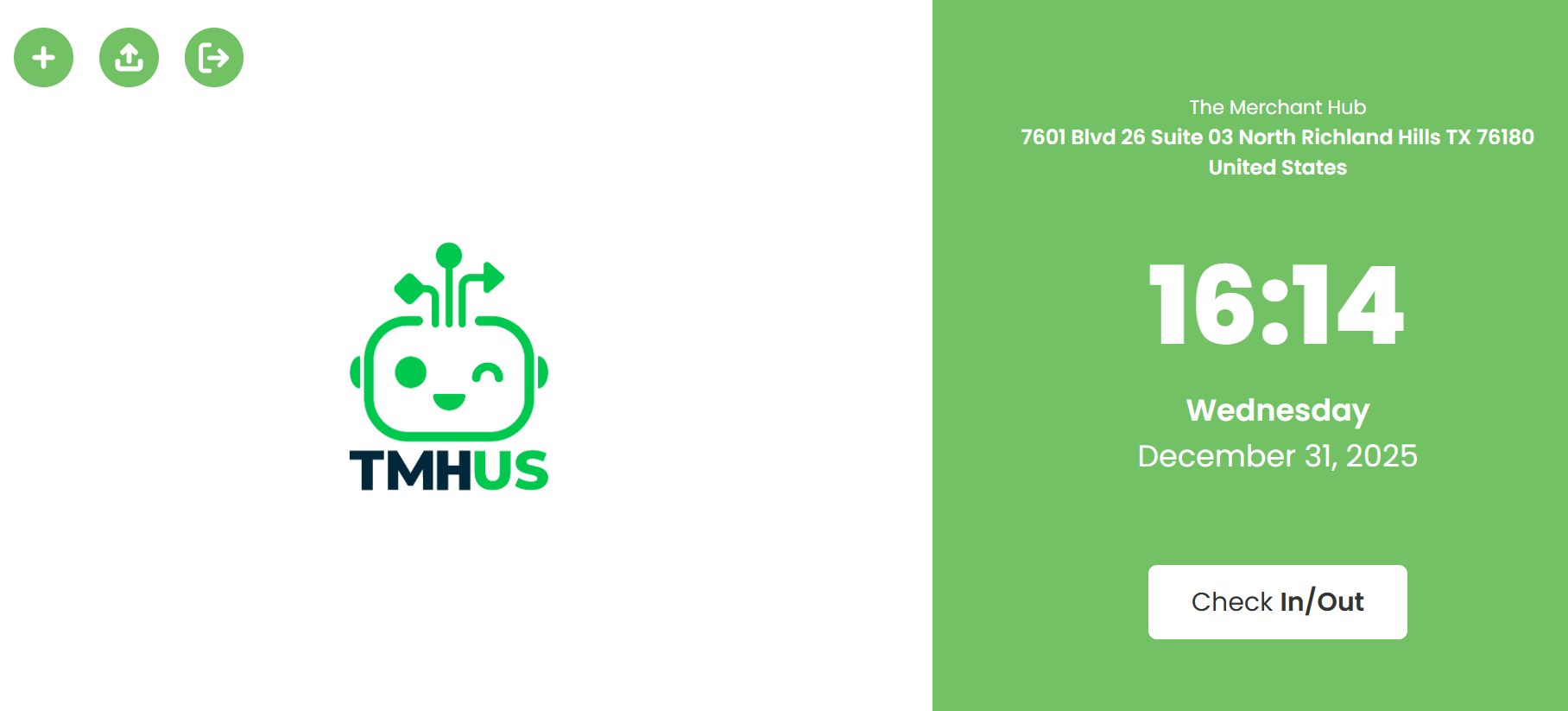
Smile ID is a time and attendance control platform based on facial recognition.
In our operation, it is used as a Web App (browser-based application), accessed through a URL https://smileid.tmhus.com/, mainly from tablets.
1.2 Manual Objective
To standardize the use of the Web App to:
- Record attendance (clock-in/clock-out) and breaks (if applicable).
- Perform biometric enrollment of new employees (if applicable).
- Execute and validate biometric verifications (selfie).
- Resolve common incidents using best practices, retries, and escalation.
1.3 Involved Departments
- Operations / Supervision: daily use on tablets (attendance registration and end-user support).
- HR (if applicable): employee onboarding/offboarding and internal operational rules.
- Support (CS): incident handling, system failures, and escalation.
- Security / Privacy (if applicable): guidelines related to personal data and incidents.
1.4 Process Scope
Included
- Access via URL from a tablet.
- Login and logout.
- Operational flows for attendance, breaks, biometric enrollment, and biometric verification (as enabled).
- Interpretation of results.
- Handling of common errors, retries, and escalation.
- Best practices and privacy guidelines.
Not Included
- Advanced administrative configuration outside the Web App.
- Dashboard (documented in a separate manual).
- Technical integrations (API/HRIS) and custom developments.