
8. Results Review
Navigation
- 8. Results Review
- 8.1 Possible statuses
- 8.2 What each result means
- 8.3 What to do based on the result
- 8.4 Minimum evidence for support
8. Results Review
8.1 Possible statuses
(Depending on configuration; typical example)
- Approved


8.2 What each result means
-
Approved
- Operational meaning: The verification was valid.
- What it implies: The action is recorded successfully.
-
Rejected
- Operational meaning: No match, or capture quality was insufficient.
- What it implies: Retry under better conditions.
-
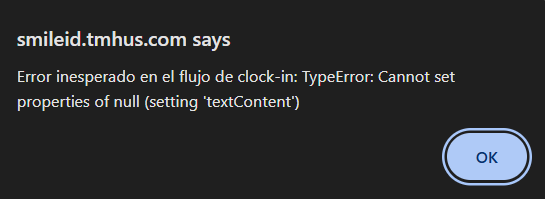
Error
- Operational meaning: Technical failure (network / browser / system).
- What it implies: Apply recovery steps.
8.3 What to do based on the result
- Approved: confirm on screen that the action was recorded.


8.4 Minimum evidence for support
When escalating, capture and send:
- Date and time of the event.
- Site/capture point (if applicable).
- User/employee ID.
- Action type (Clock In/Clock Out/Break/Enrollment).
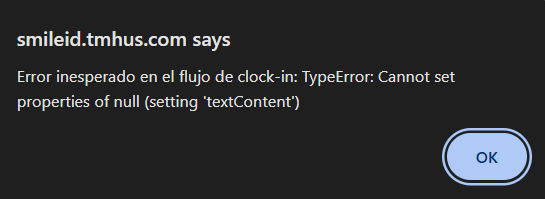
- Exact error/rejection message.
- Tablet model + OS.
- Browser + version.
- Screenshot (without exposing unnecessary sensitive data).