Introduction — Dashboard (TMHUS)
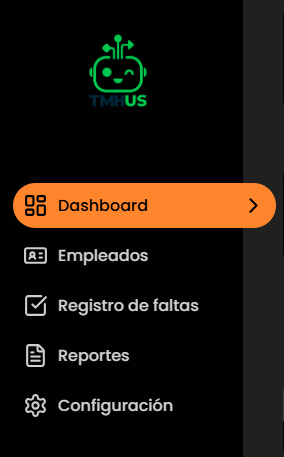
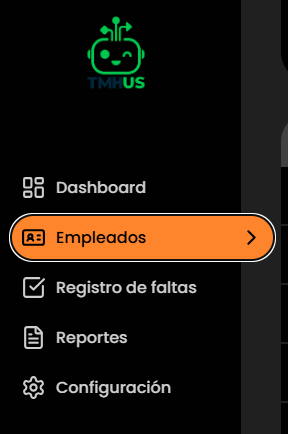
Navigation
Introduction
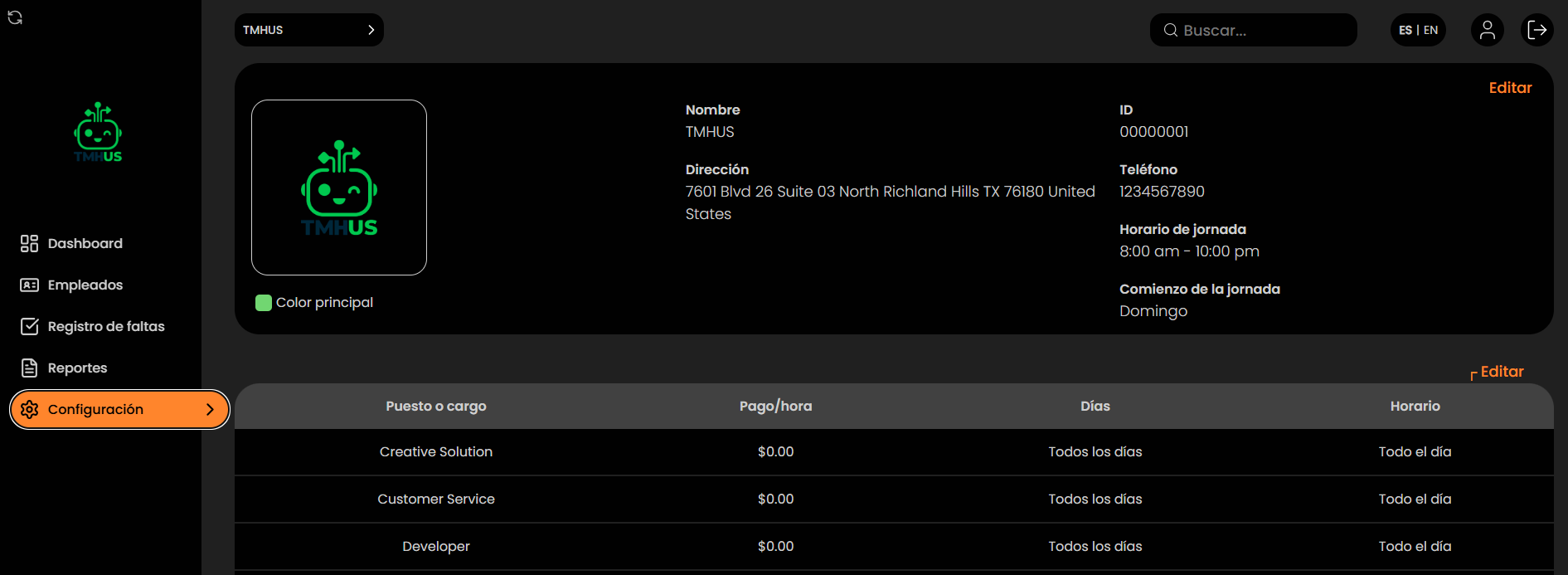
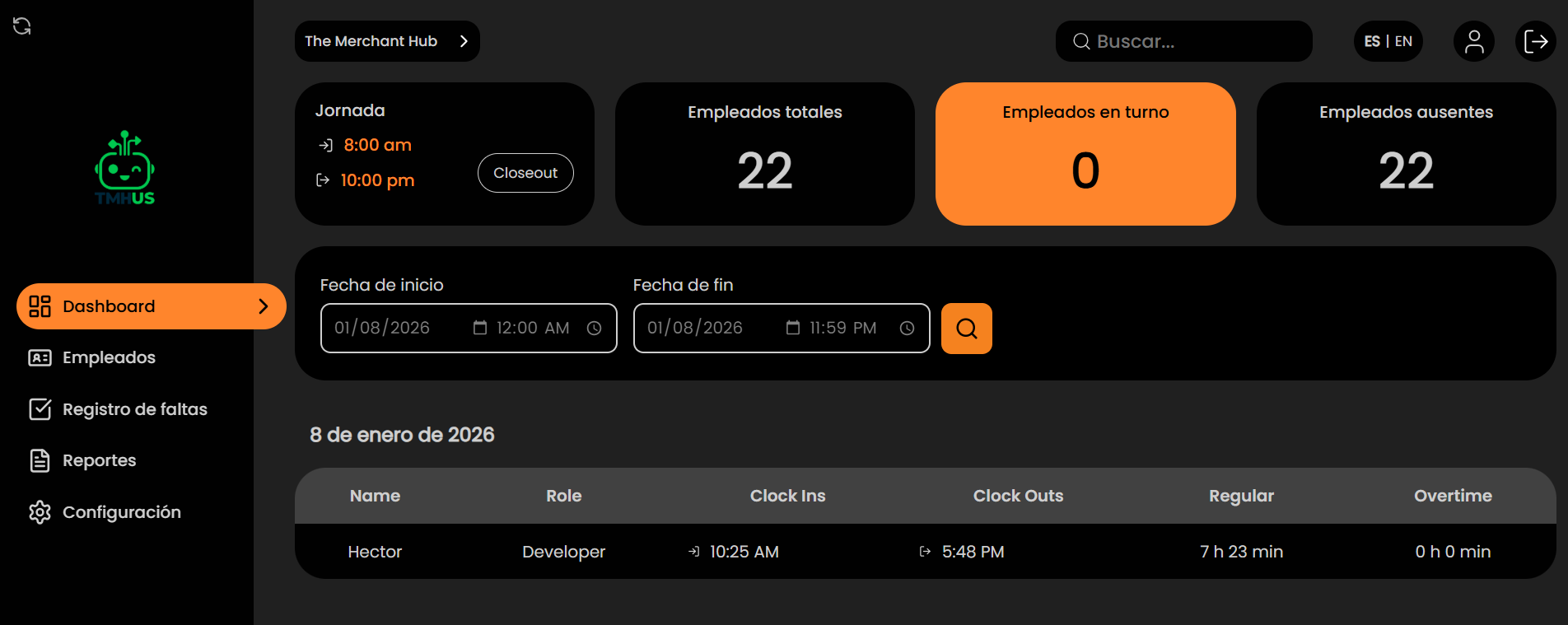
This manual describes how to use the Dashboard (TMHUS) to review attendance, manage employees, record absences, generate reports, and configure operational system parameters.
What is the Dashboard?
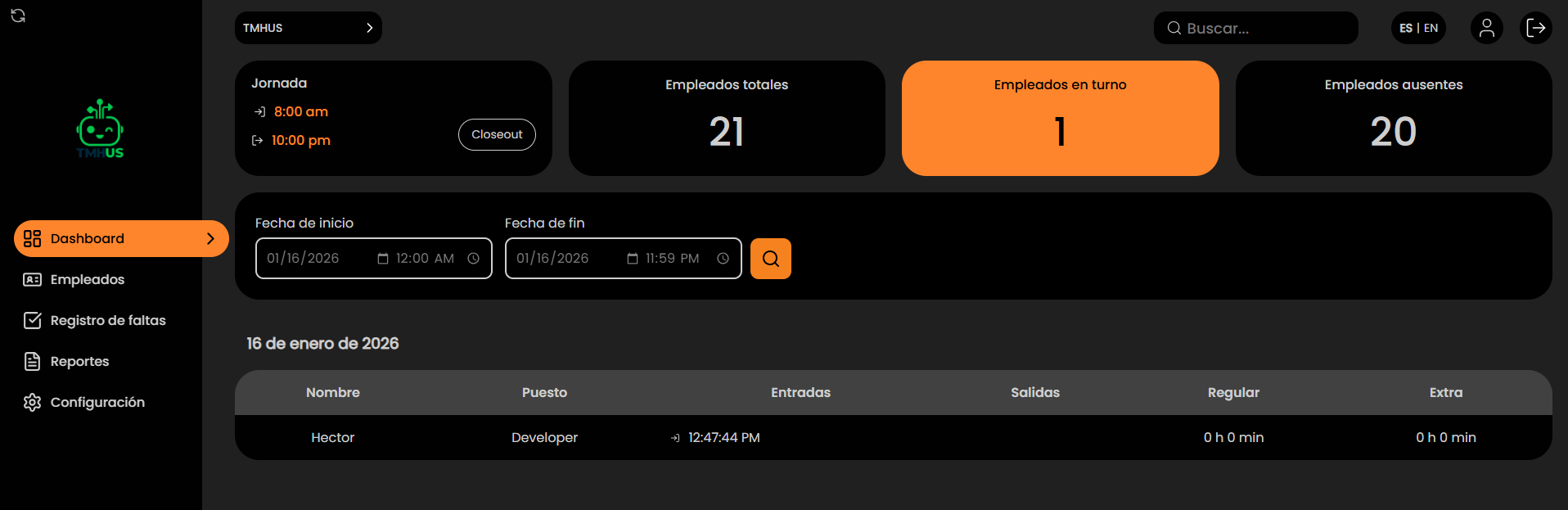
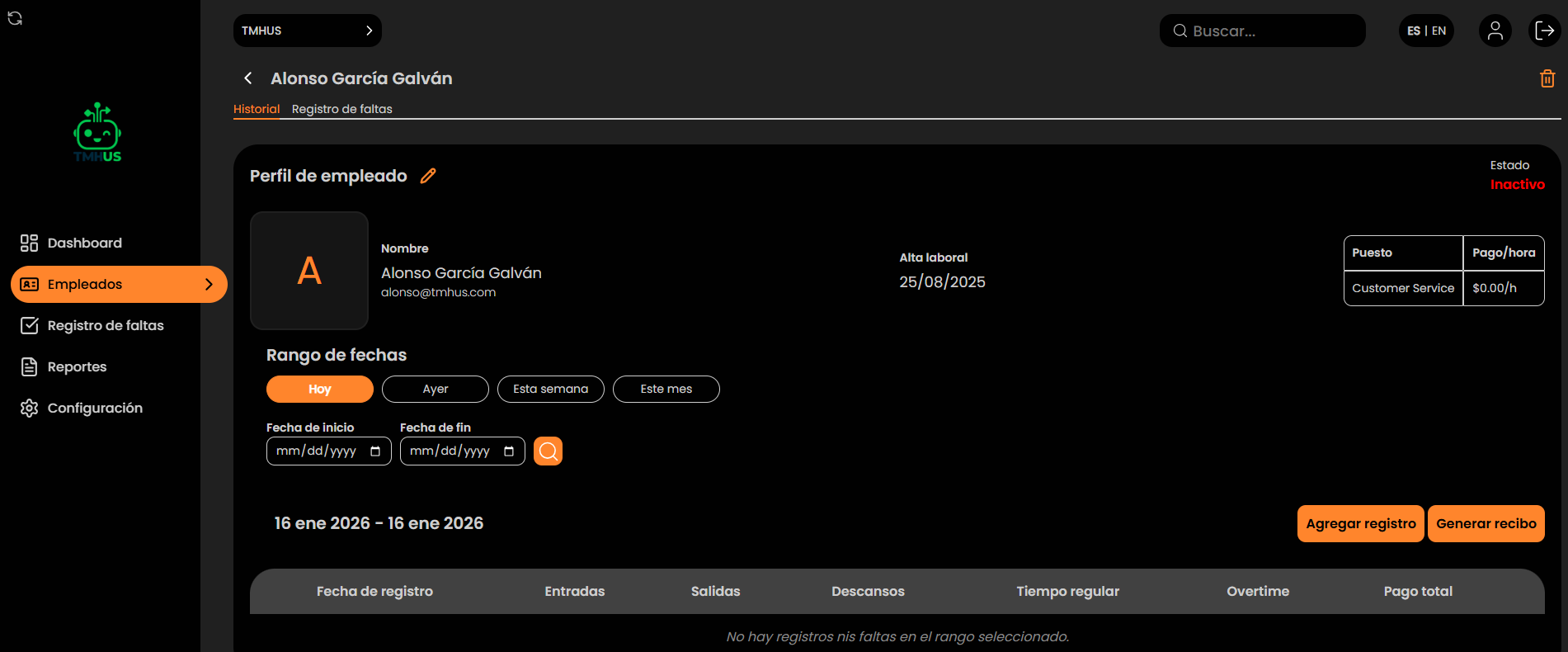
The Dashboard is the administrative web interface where you can:
- View an attendance dashboard by day or by period.
Manual Objective
To standardize the use of the Dashboard in order to:
- Correctly navigate between modules.

Roles that use it
- Administration / Supervision: daily review, control, and validation of records.
- HR / Payroll (if applicable): review of hours and generation of receipts/reports.
- Support / Internal IT (if applicable): configuration, incident resolution, auditing.
Scope
Includes:
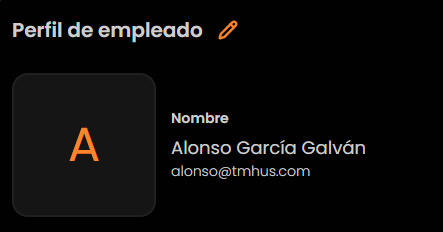
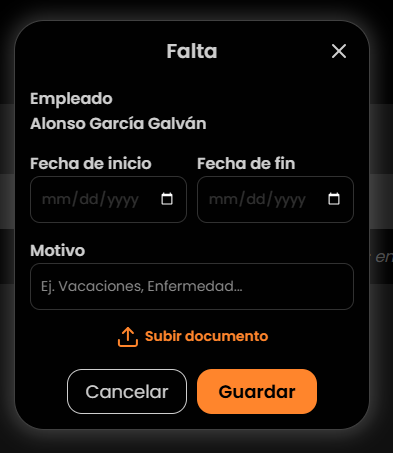
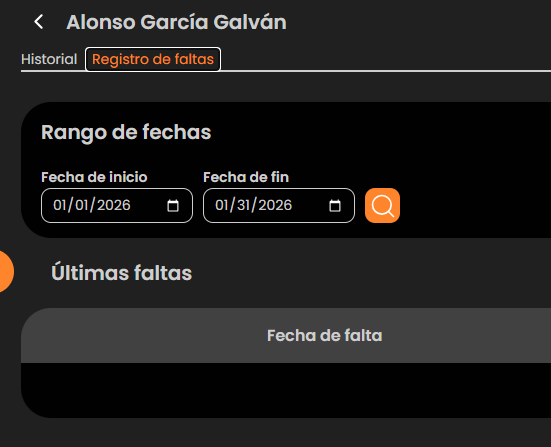
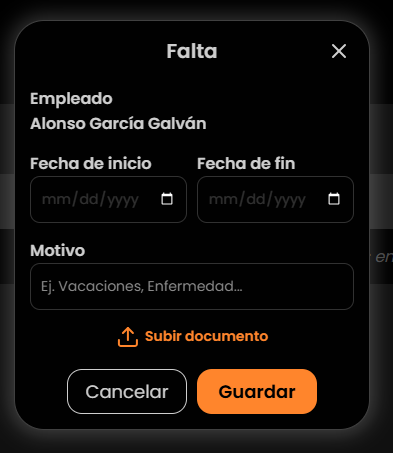
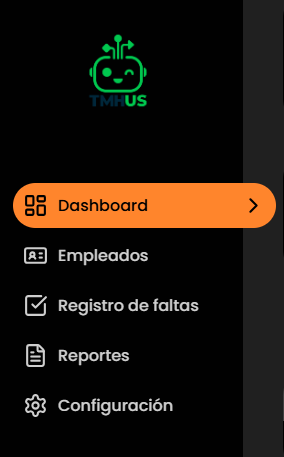
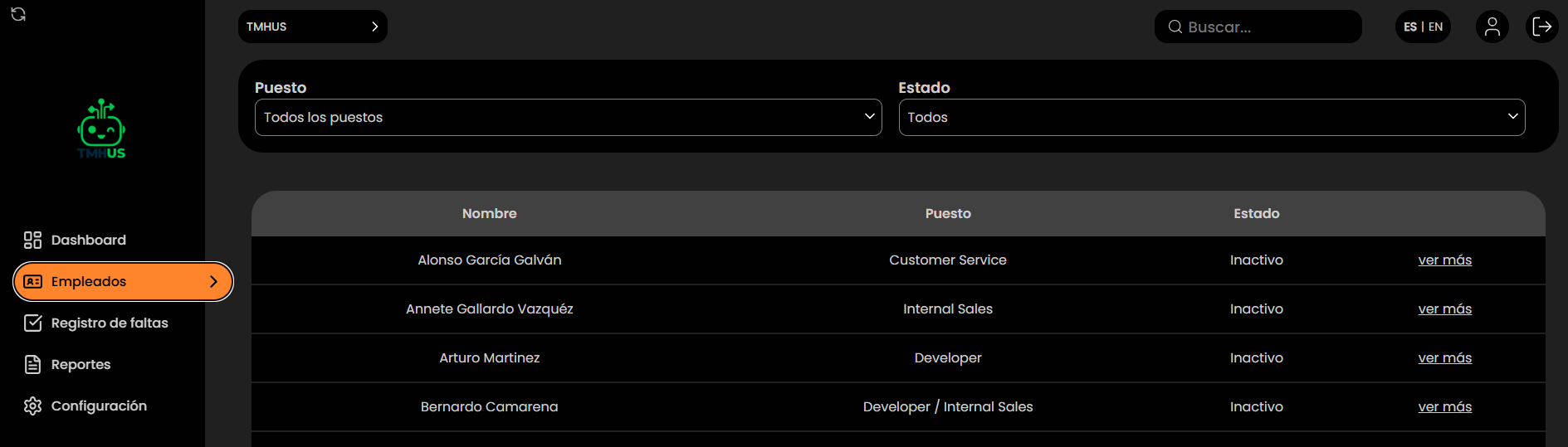
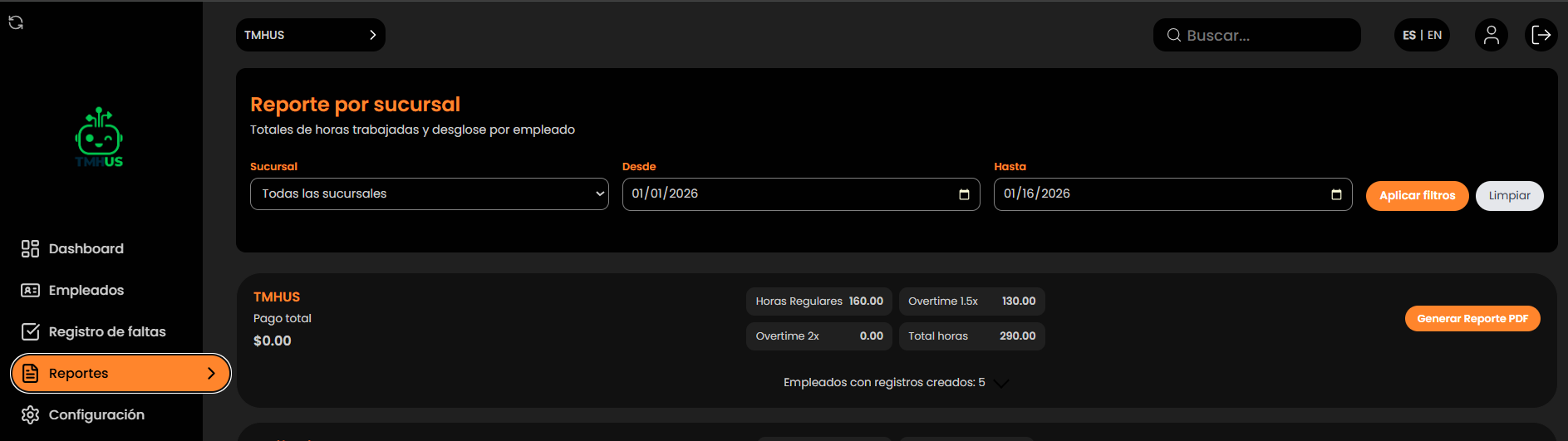
- Use of the Dashboard: navigation, employees, absences, reports, configuration, and general administrator profile.
Does not include:
- Use of the attendance App (documented in a separate manual).
- Technical integrations (API/HRIS) or developments outside the Dashboard.
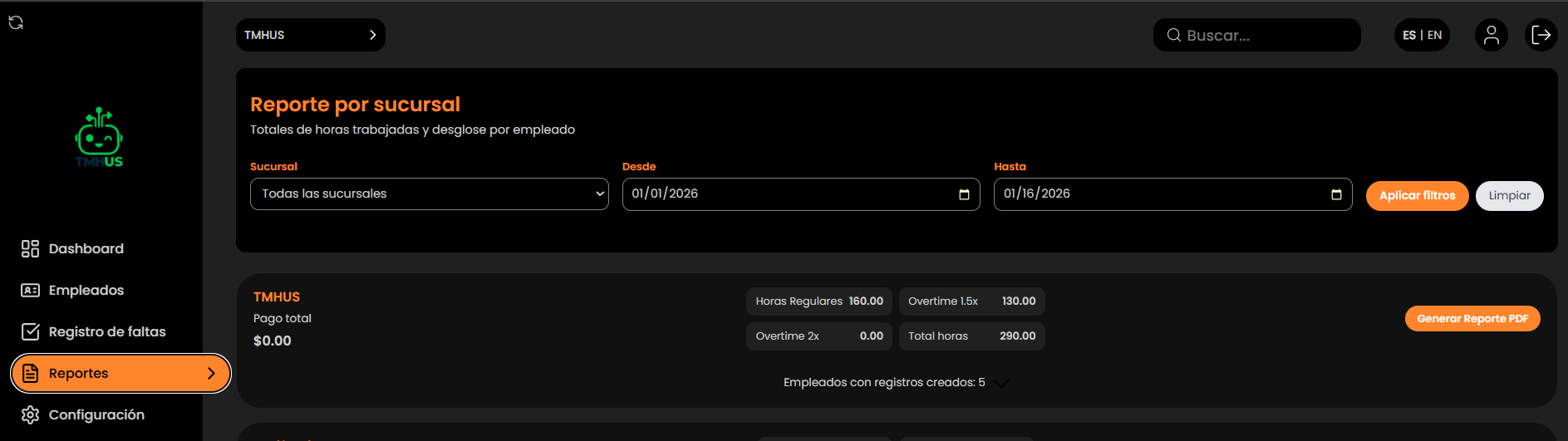
Available modules
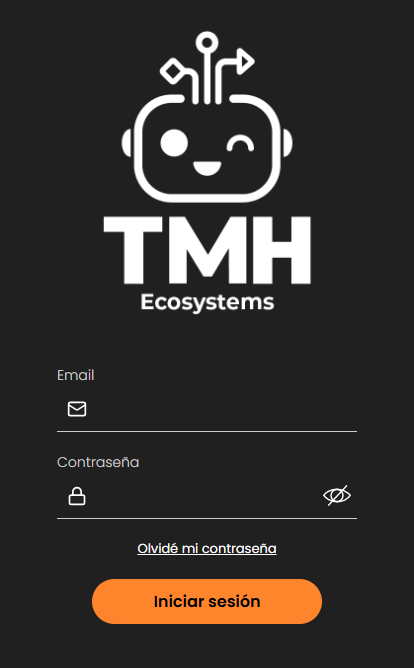
- System access