13) Change Password (Code-Based Flow)
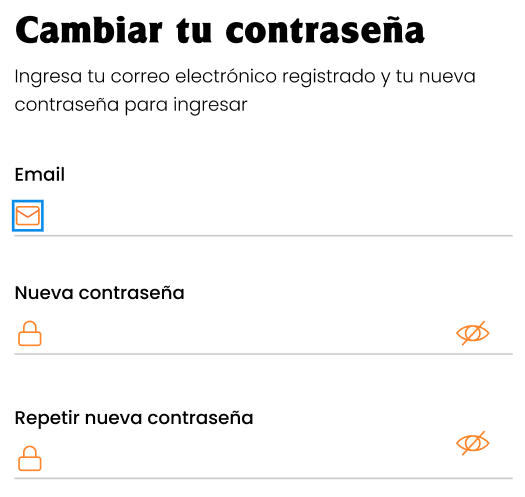
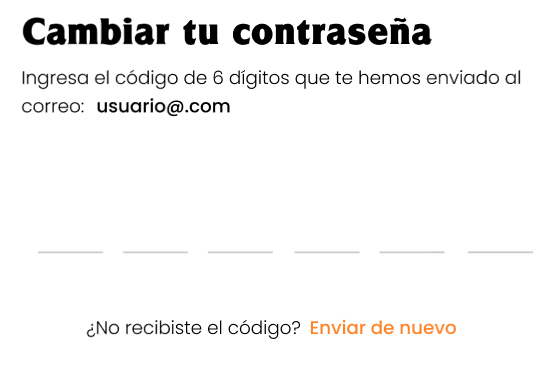
Screens: Password change form + 6-digit code screen + final confirmation.
Objective
Update your password from an active account (or as part of recovery).
Steps (summary)
-
Enter your email and new password.
-
Enter the verification code.
-
Tap Confirm.

-
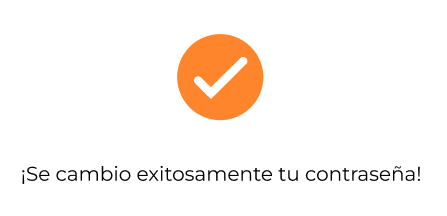
You will see a success confirmation.