
Recommendations Before Escalating (Quick)
Before reporting, try the following (if it takes no more than 1 minute):
- Check the internet connection (stable Wi-Fi).


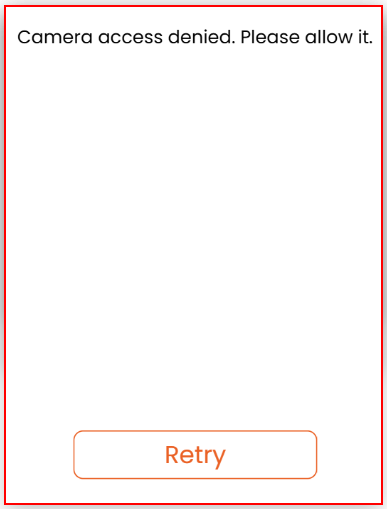

If the issue continues or affects attendance records, escalate immediately by email or phone.
Incident Priority (to speed up support)
When emailing or calling, indicate the level of impact:
- Critical: Clock In/Out is not possible, there is a stopped line/queue, or the system is not responding.
- High: Intermittent failure or impacts multiple users.
- Medium: Affects a single user (e.g., “Unknown face”), requires biometric update.
- Low: Usage question or lighting improvement/recommendations.
Confirmation and Follow-up
After sending the email or making the call, keep incident evidence:
- Save the screenshot and note the time of the report.
- If the issue is critical, call Customer Service (CS) at 682-377-8573 for immediate attention.