13) Notifications (Scheduling)
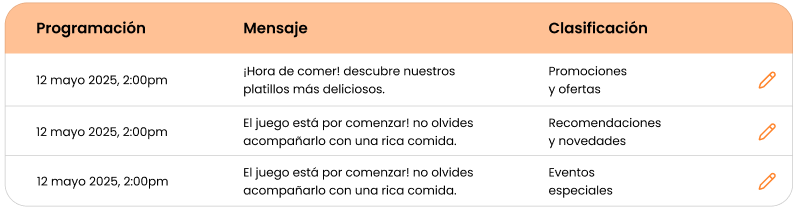
Screen: “Scheduling” tab with a list of scheduled notifications and an “Add notification” button.
Objective
Manage notifications that will be sent later.
Steps
-
Go to Notifications.

-
Open the Scheduling tab.

-
Review upcoming notifications.
-
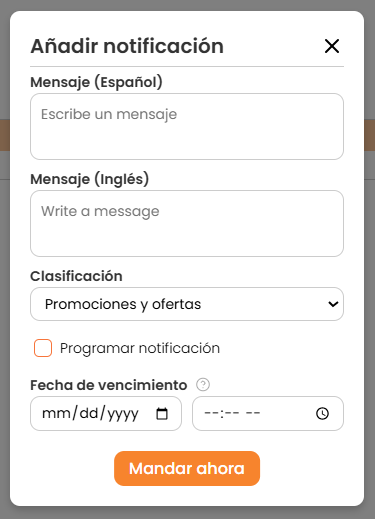
To create a new one, click Add notification.