2) Home (Home Editor)
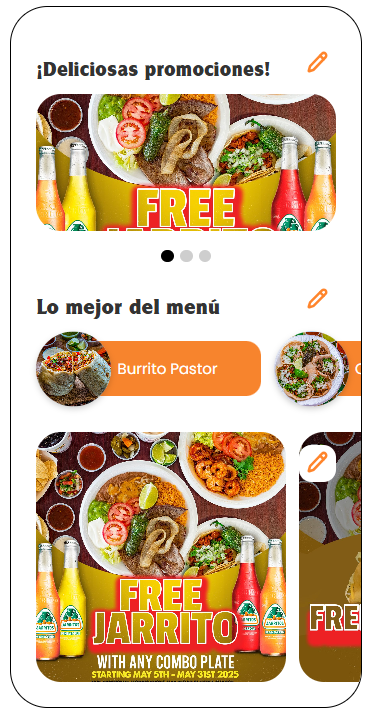
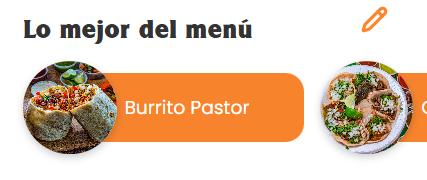
Screens: Mobile-style preview and an editing panel with sections such as “Delicious promotions!” and “Best of the Menu”.
Objective
Configure what appears on the app’s Home (banners and featured items).
What you can do
-
Edit section titles.

-
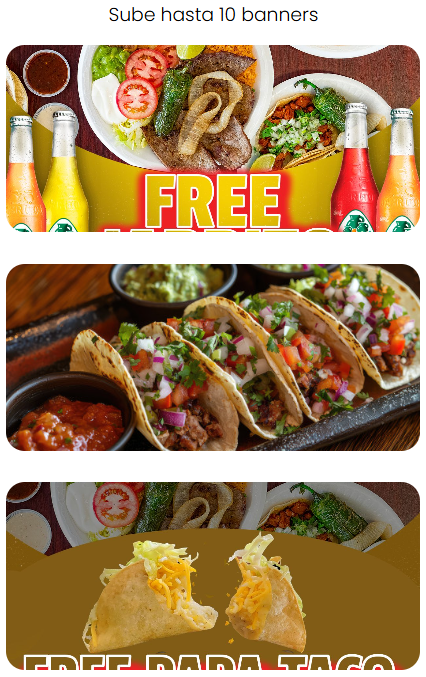
Upload images (up to 10).
-
Reorder images (drag and drop).

-
Delete images (trash icon).

-
Add new items with the “+” button.

Steps
-
From the menu, go to Home.

-
Edit the required title or section.
-
Upload images or adjust the order.
-
Click PUBLISH APP to apply the changes in the app.