
5. Starting a Verification
Navigation
- 5. Starting a Verification
- 5.1 Selecting the action type
- 5.2 User data validation
- 5.3 Checklist before continuing
5. Starting a Verification
5.1 Selecting the action type
Depending on the configuration, biometric verification may run when:
-
Clock In or Clock Out is recorded.
-
A break is started or ended.
5.2 User data validation
Before capturing:
-
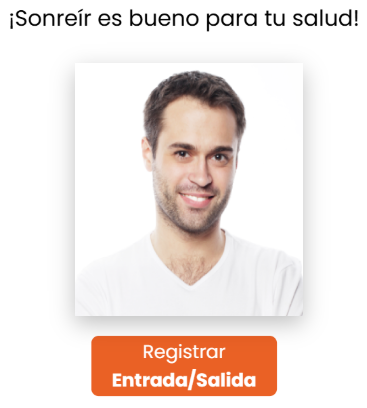 Confirm the correct user/employee is shown (visible on screen).
 -
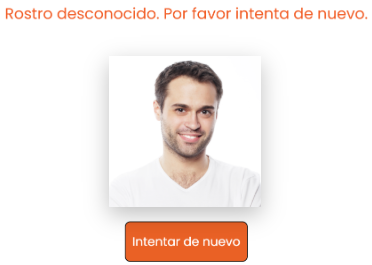
If the user is new: they will not be able to clock in/out and must register their biometric data first.
5.3 Checklist before continuing
- Good lighting (no backlight)
- Clean lens
- Face visible (not covered)
- Tablet stable
- Stable internet