
5) Locations (Edit Information)
Screens: Section-based editor: Name/Logo, Address + coordinates, Phone, Menu > Order Online (URL), plus access to Social Media and Catering & Events.
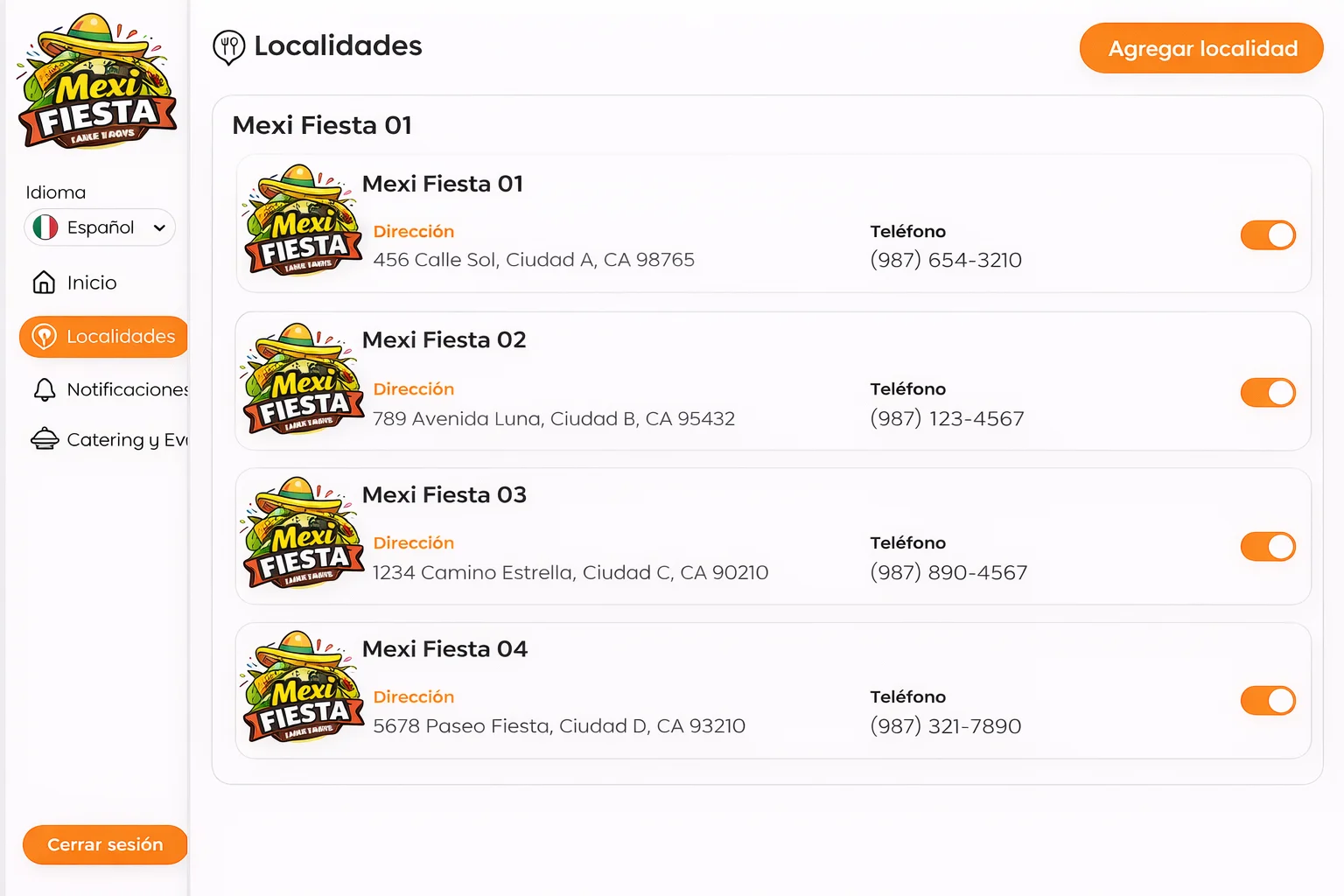
Objective
Keep each branch’s information up to date.
Typical fields
-
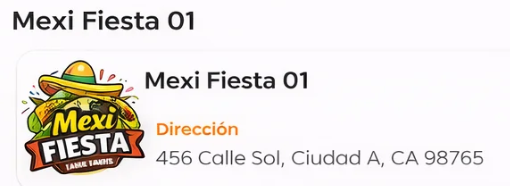
Location name
-
Logo (if applicable)

-
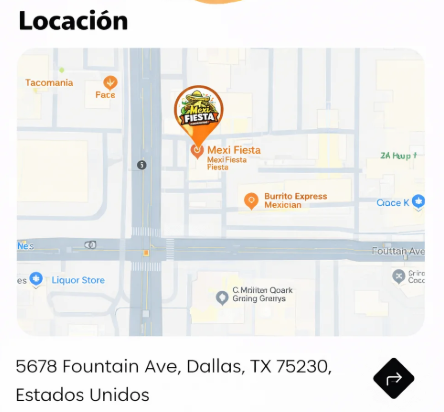
Address (with map)
-
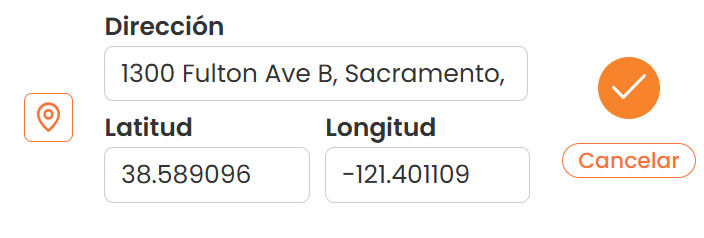
Latitude and Longitude
-
Phone
-
Order Online (URL)

-
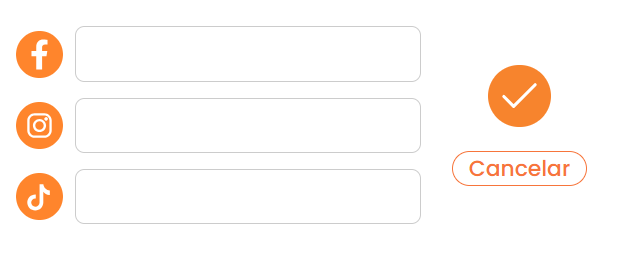
Social Media
-
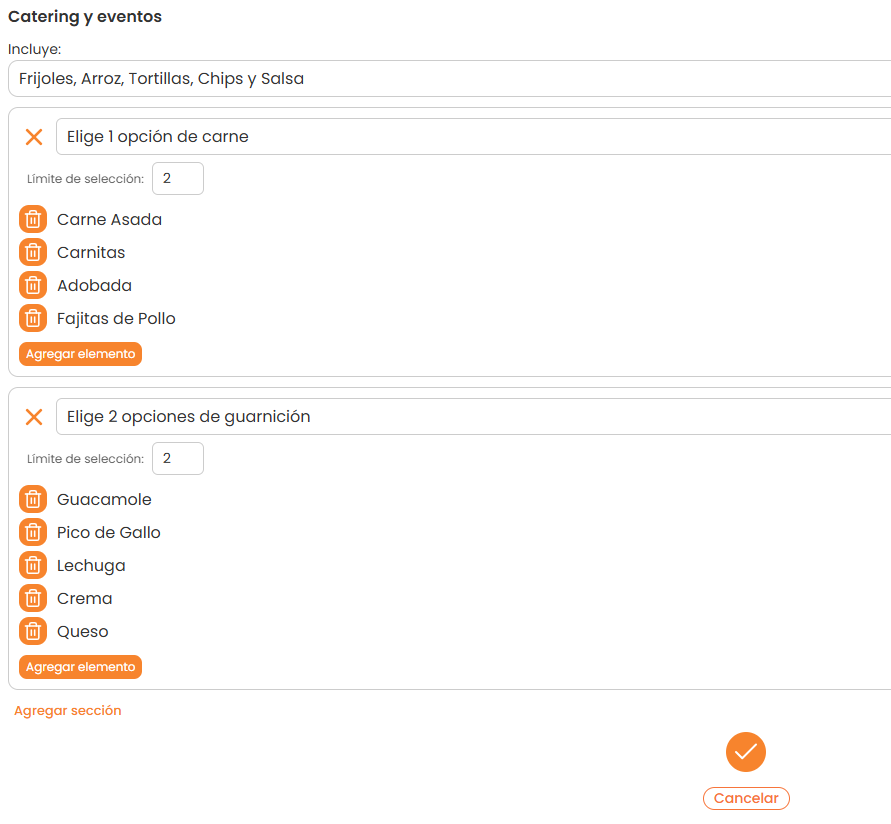
Catering & Events (associated configuration)
Saving
- Confirm with the green check (✔).
- Use Cancel to discard changes.
Steps
- Go to Locations.
- Select a branch to edit.
- Update the necessary fields.
- Click ✔ to save.