
System Access (TMHUS)
Navigation
System Access
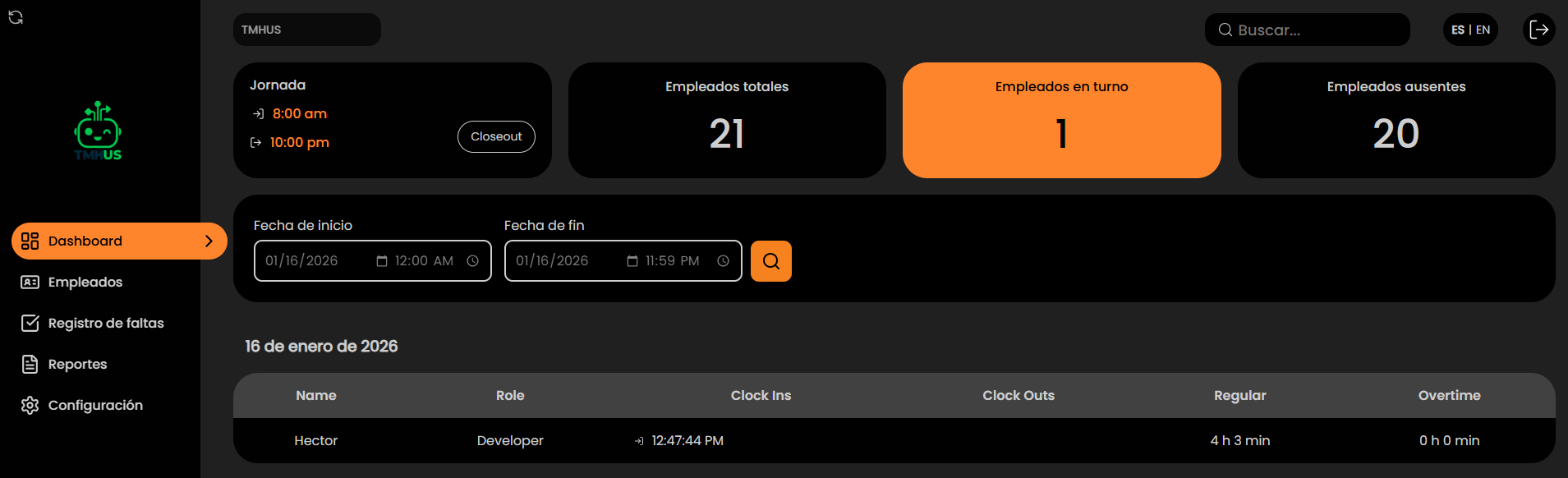
This module explains how to access the TMHUS Dashboard using your Email and password, how to recover access if you forgot your password, and how to change the system language.
Log in
- Go to the system (internal URL / provided by the organization). https://smileid.tmhus.com/
- Enter your Email.

Quick checklist
- Correct email
- Stable internet
- No blocks (VPN/policies) preventing access (if applicable)
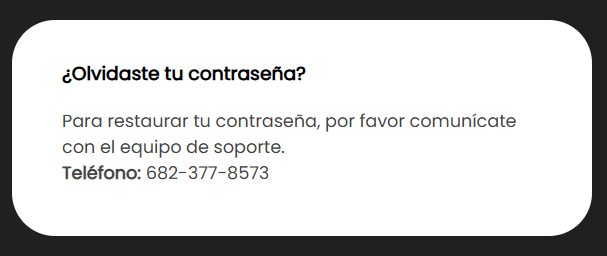
I forgot my password
- Click Forgot my password.
Change language (ES | EN)
- Locate the top selector ES | EN.

-
Select the desired language.
-
Verify labels and menus update.
Security recommendations
- Do not share your password
- Log out when finished
- Do not access from unauthorized devices
- Report suspicious access to Support/IT