
Configuration (Company/Branch, Positions, and Schedules)
Navigation
- Configuration
- General location details
- Edit general details
- Positions table: pay and schedules
- Edit rows / delete configuration
Configuration
Here you adjust general location/branch information and position-based rules (pay/hour, days, and schedules).
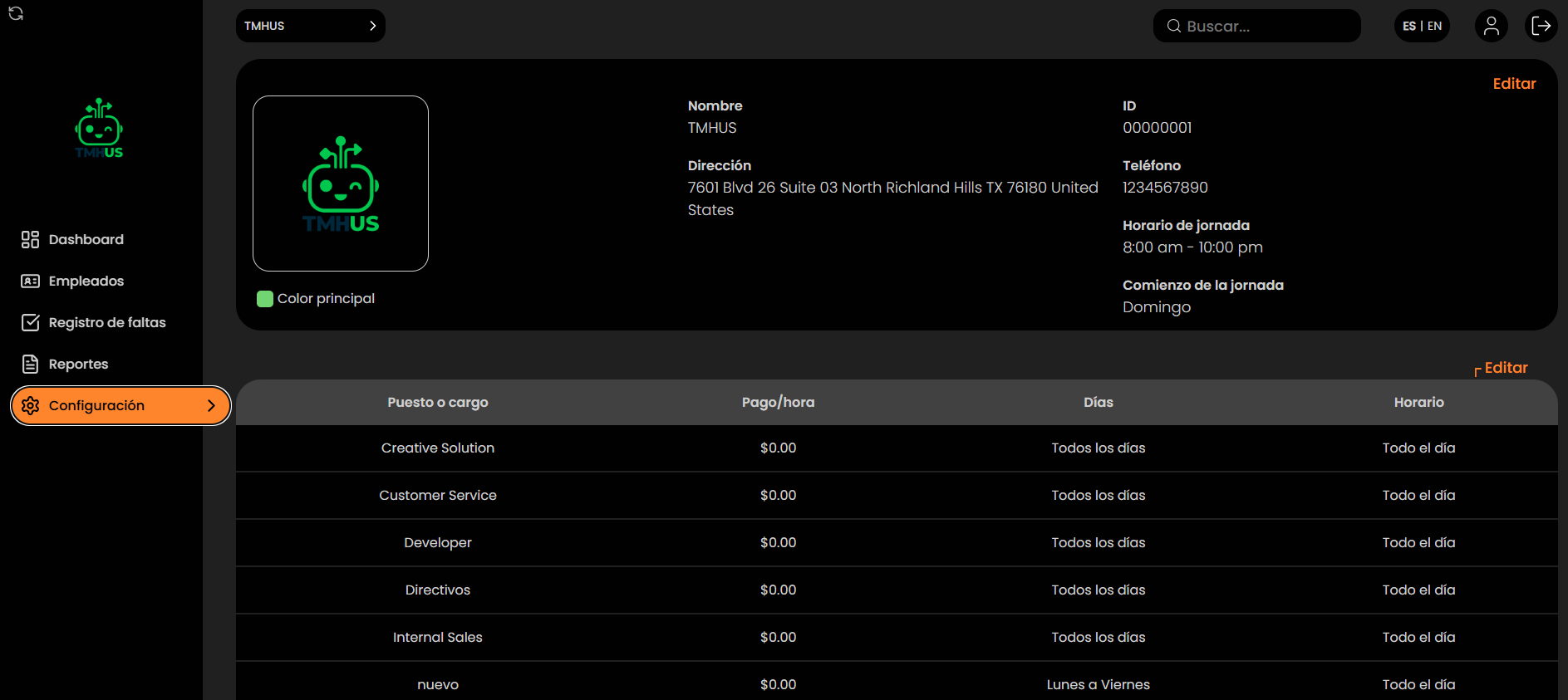
General location details
At the top, you will see:
-
Name

-
ID
-
Address

-
Phone
-
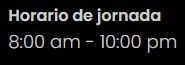
Workday schedule
-
Workday start time
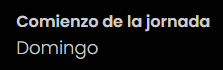
And an Edit button.

Edit general details
-
Click Edit.

-
Fields become editable so you can update:
-
Name

-
Address

-
Phone

-
Workday schedule

-
Workday start time

-
-
Save with Save or cancel with Cancel.

Positions table: pay and schedules
In the lower table, define per position:
-
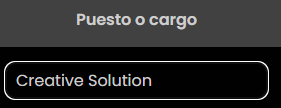
Position / job title
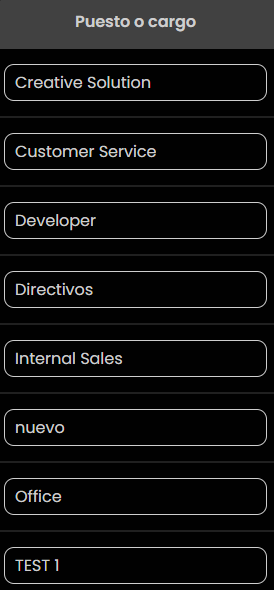
-
Pay/hour
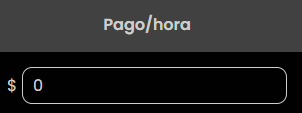
-
Days (Mo, Tu, We, Th, Fr, Sa, Su)
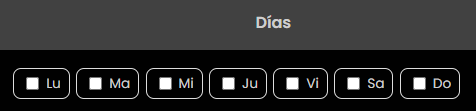
-
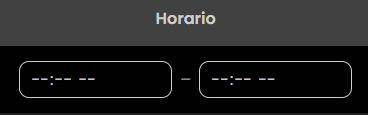
Schedule (start and end)
-
Trash icon to delete a configuration

Edit rows / delete configuration
When the table is editable:
-
Adjust the position name
-
Modify pay/hour

-
Select days

-
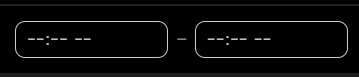
Enter start and end times
-
Delete a row using the trash icon
